Build an Internal AI Assistant with n8n and Claude
19 October 2026
An internal AI assistant is not a chat window added to a company intranet. It is a controlled way for employees to find reliable answers, start routine workflows, and hand work to the right person without searching through folders, dashboards, and old email threads. When designed well, it can reduce operational friction. When designed poorly, it becomes another place for incorrect answers and unclear responsibility.
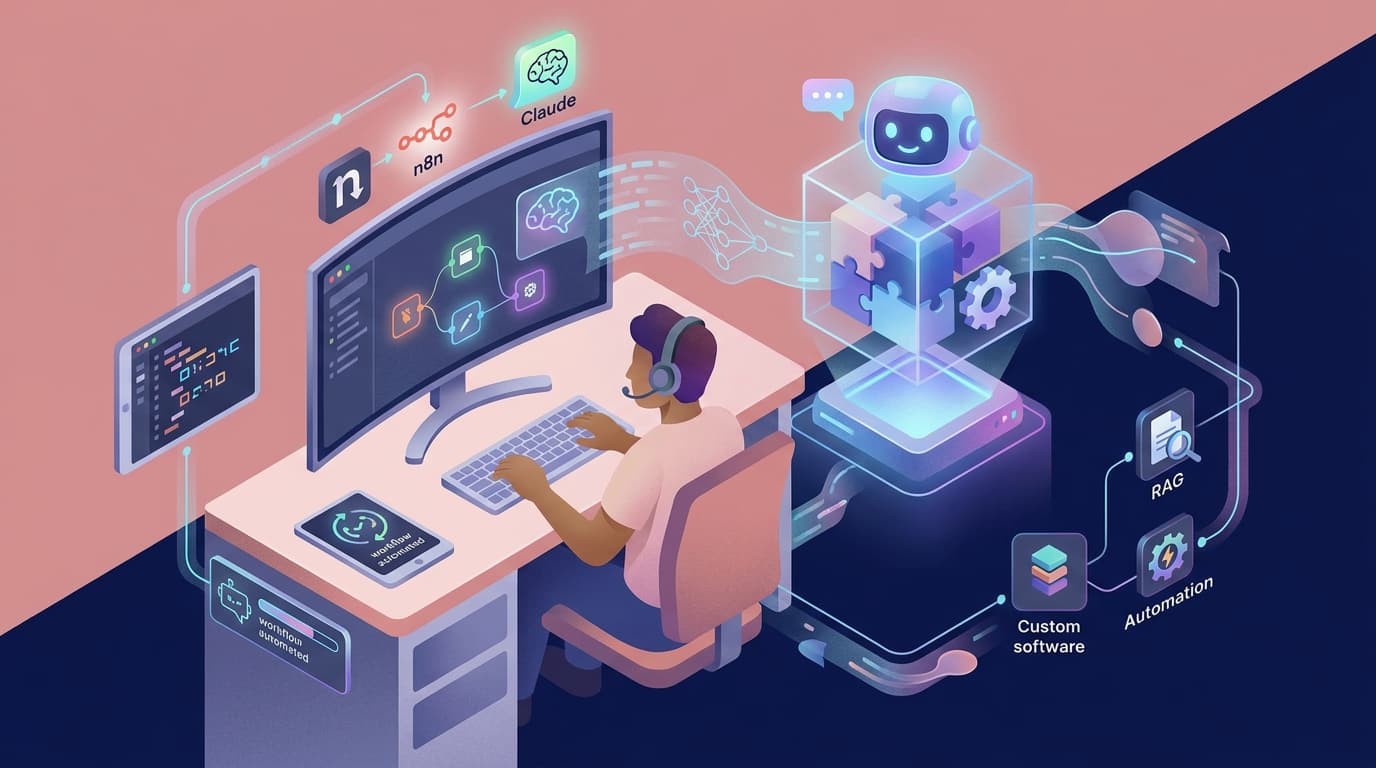
n8n and Claude form a practical pattern for teams that need more than a generic chatbot. n8n coordinates the connections, permissions, and repeatable actions. Claude handles the language work: understanding a question, extracting details from a document, drafting a response, or summarising context. Your business systems remain the source of truth. This article shows how to build that pattern around real user needs, reliable controls, and a path to scalable support.
Start with a job, not a chatbot
The strongest first assistants solve a narrow, frequent problem. A customer-success team might need a concise account brief before a call. Finance might need a consistent way to locate an approved supplier process. Operations might need incoming requests classified and assigned. These are jobs with a clear user, a known source of truth, and a measurable outcome.
Avoid beginning with “answer anything about the company.” That scope is impossible to evaluate and encourages the assistant to fill gaps with confident language. Instead, interview the people doing the work and identify where they spend time looking, copying, or asking the same question.
Useful first use cases include:
- Answering policy questions from a curated, approved knowledge base
- Producing a client or project brief from records employees already have permission to access
- Turning a free-text request into a structured ticket and routing it for approval
- Drafting a response or checklist for a person to review
- Finding the owner and status of a defined operational process
This is the same user-centred thinking behind designing software around how teams actually work. The assistant should fit the work, not force the work to fit an AI demo.
The n8n and Claude pattern
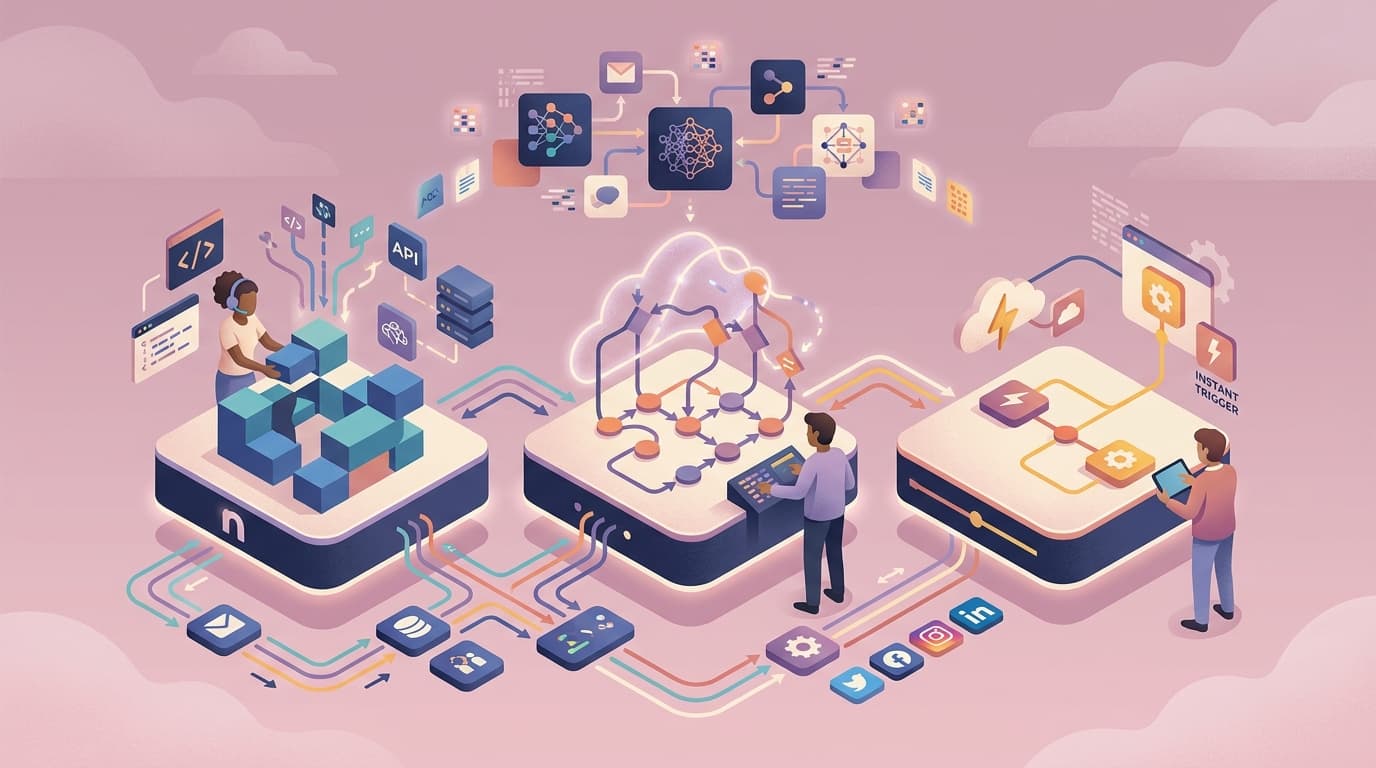
A dependable assistant separates orchestration from language reasoning. n8n handles triggers, system connections, data transformations, logging, retries, and approval steps. Claude receives only the relevant context and returns a structured result that the workflow can validate. This division makes the solution easier to observe, improve, and maintain.
1. Receive a request in a trusted channel
Start with a channel employees already use, such as Microsoft Teams, Slack, a helpdesk, or an internal portal. Capture the user identity, their request, the relevant record ID if there is one, and the action they are attempting. Do not rely on a natural-language request alone to decide which customer record or financial action it refers to.
n8n can validate the request, check basic permissions, and create a traceable workflow execution. This approach gives the team a single operational history instead of scattered prompts in individual browser sessions. The platform comparison in n8n versus Make versus Zapier is useful context when deciding whether you need n8n's control and extensibility.
2. Retrieve only the relevant, approved context
For knowledge questions, retrieve source passages from a curated document set rather than pasting the entire company drive into a prompt. Label documents with ownership and review dates. For account or project questions, fetch a small set of fields from the CRM or project tool, subject to the employee's access rights.
This is retrieval-augmented generation in a practical form. The model answers from supplied evidence and can link back to it. Our guide to RAG systems for company data explains why retrieval quality, permissions, and source citations matter more than an impressive model demo.
3. Ask Claude for a bounded output
A strong prompt tells the model what job it is doing, what sources it may use, what it must not infer, and what shape to return. For example, a support-triage step can return JSON containing category, urgency, summary, missing information, and a draft reply. A project-brief step can return a summary plus explicitly cited record fields.
Keep the model out of irreversible decisions. It may recommend the next workflow branch, but n8n should enforce the actual policy. If a response lacks enough evidence, the correct behaviour is to ask a clarifying question or route it to a person. This makes the assistant robust even when inputs are ambiguous.
4. Add approval and safe actions
An assistant can prepare a draft email, create a ticket, or propose an update. It should not send externally, change billing data, or expose restricted information without a clear rule and, where appropriate, human approval. n8n can send a manager an approval card, wait for the decision, and then continue with a recorded audit trail.
This is where continuous support becomes a business advantage. Staff need a visible override, a way to report a poor answer, and confidence that a correction will improve the system. An AI assistant that cannot be corrected will soon be ignored.
A practical implementation sequence
In the first two weeks, choose one workflow and collect 30 to 50 representative examples. Identify the authoritative sources, access constraints, and the few outcomes that matter. Write acceptance criteria that a user can understand, such as “the account brief names the correct owner and cites the latest open ticket.”
In weeks three and four, build the n8n flow in observation mode. Let it generate drafts or recommendations while the team continues its existing process. Compare its output with what a knowledgeable employee produced. Record errors by type: missing context, outdated source, unclear request, incorrect classification, or unsafe action.
After the pilot meets the agreed quality threshold, enable one low-risk action such as ticket creation. Monitor exceptions, latency, and adoption. Then expand to the next use case only when the current one has a named owner, documented recovery steps, and a regular review. Teams can use AI evaluation methods to make these reviews repeatable rather than relying on anecdotal feedback.
Design for security, cost, and change
An internal assistant sees information that employees already find hard to navigate. That makes access control a core feature. Apply least privilege before retrieval, minimise data in prompts, remove secrets from documents, and log what sources were used. For sensitive deployments, assess model and hosting choices through the lens of European data obligations, as covered in our guide to GDPR-aware AI patterns.
Cost also needs an operational design. Cache stable answers where appropriate, limit context to what solves the request, set usage alerts, and distinguish experimentation from a production workflow. The full cost includes monitoring, prompt maintenance, evaluation time, and support, not merely model tokens. That is why the cost of running an AI agent should be reviewed before scaling a promising pilot.
The lasting value is not that employees can chat with an AI. It is that they can complete routine work faster with better context and clear accountability. A well-built assistant improves operational efficiency, keeps users at the centre, and gives the business a scalable foundation for the next process it wants to improve.
Novemind designs AI assistants and workflow automation that connect safely to the systems your team already depends on. If you want to identify a high-value first workflow, contact our team.
Related reading: