Self-Hosted Automation in 2026: Running n8n on a €10 VPS
5 September 2026
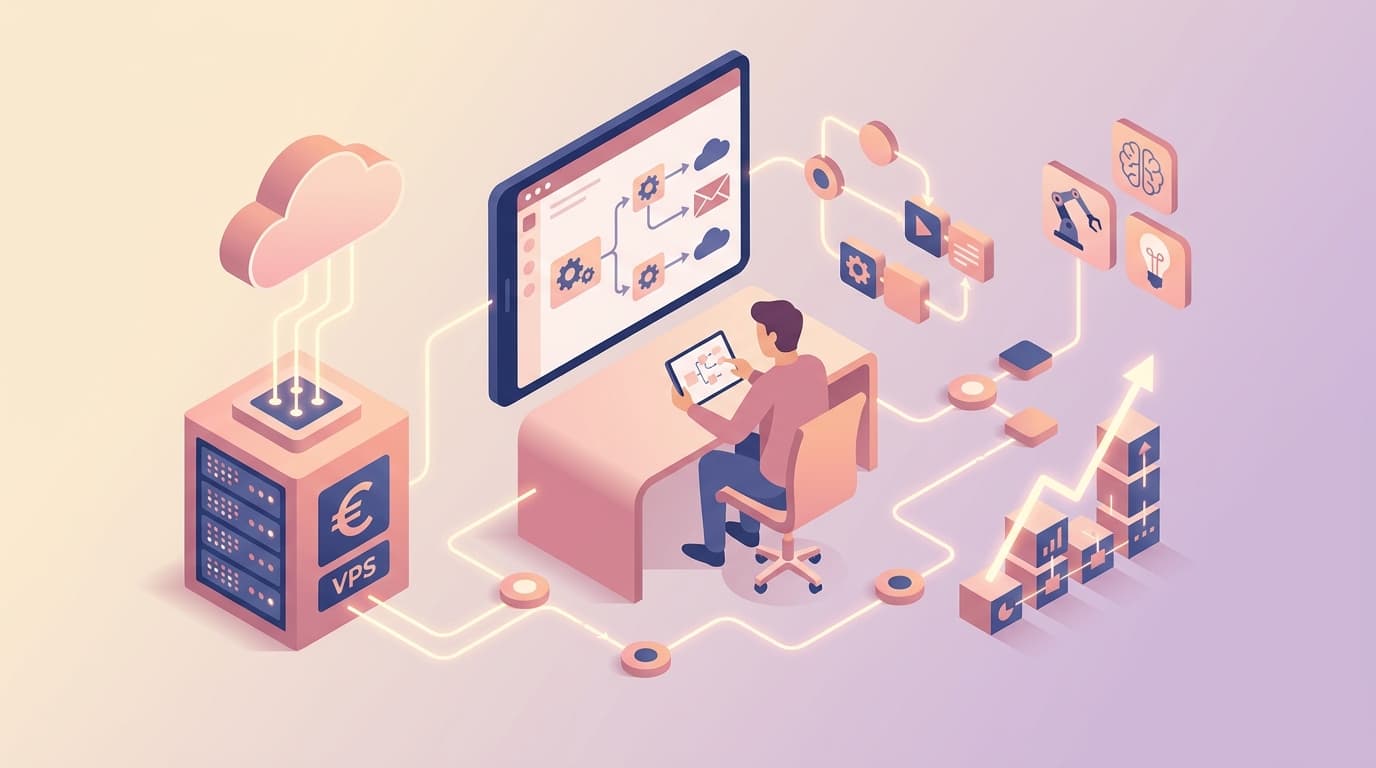
A €10 per month virtual private server can run useful business automation. It can receive a form submission, create a CRM record, parse an invoice, send a team notification, or schedule a weekly report. What it cannot do is remove the need to own security, backups, monitoring, and the operating decisions around those workflows.
That distinction is the starting point for self-hosted automation in 2026. Tools such as n8n make it possible to keep workflows and credentials under your control without building an entire integration platform from scratch. For a small business with predictable workload and a capable owner, a modest VPS can be a practical foundation. For a team without time to maintain it, managed automation may be the more economical choice despite a higher monthly price.
This guide explains what a low-cost server can realistically support, how to run it responsibly, and how to decide whether self-hosting supports your growth rather than creating a hidden operational burden.
Why businesses choose self-hosted automation
Automation platforms sit between systems that often hold sensitive information: shared inboxes, customer databases, accounting software, support tools, and internal documents. Where the workflow runs affects data residency, access control, cost predictability, and how easily you can extend it.
A self-hosted setup is attractive when you need:
- More control over workflow data and credentials
- Predictable infrastructure cost as execution volume grows
- Custom code or private-network connections
- A deployment location that supports your data and compliance requirements
- An automation layer that can evolve with your own systems
n8n is particularly useful because it provides a visual orchestration layer while allowing custom logic where a connector is not enough. Our overview of n8n covers its node-based approach and the trade-offs between self-hosted and managed options.
Self-hosting is not automatically more private or compliant. A poorly maintained server can be less safe than a well-run managed service. The real benefit comes from deliberately designed controls, clear ownership, and architecture that matches the risk of the process.
What a €10 VPS can realistically handle
Prices vary by provider and region, but a modest VPS commonly offers one or two virtual CPUs, 2 to 4 GB of memory, and enough SSD storage for an application and its logs. That is ample for low to moderate volumes of short, mostly API-based workflows.
Examples that are often suitable include:
- Routing website leads to a CRM and notifying the right owner
- Synchronising records between a booking system and an internal database
- Sending approval requests for invoices or contract renewals
- Producing scheduled KPI summaries from a few APIs
- Classifying a manageable stream of support emails before human review
The server is usually not doing the expensive AI computation. It calls a model API and processes the response. The constraints instead appear in concurrent executions, memory-heavy document parsing, large binary files, long retry queues, and database growth. A workflow that downloads hundreds of PDFs at once or runs high-volume scraping jobs needs more capacity and more careful design.
Treat the €10 figure as an infrastructure baseline, not the total cost. Include domain and email setup, backups, monitoring, implementation time, model usage where applicable, and an allowance for maintenance. This is the same total-cost discipline that should guide any custom software decision, even when the visible hosting invoice is small.
A production-minded architecture
The minimum responsible setup is simple but not casual. Run n8n in Docker, place it behind HTTPS, use a persistent database rather than an ephemeral local state, and store secrets outside workflow text. PostgreSQL is a sensible companion when workflows, execution history, and credentials need durable storage.
Separate the components
A practical small-business stack includes:
- n8n application container for workflow execution
- PostgreSQL for persistent workflow and execution data
- Reverse proxy with TLS for HTTPS and controlled external access
- Encrypted backup destination separate from the VPS
- Monitoring and alerting for uptime, failed executions, disk, and memory
Docker keeps the deployment repeatable. A documented configuration file, versioned workflows, and an explicit upgrade process turn a personal server into a system the business can support. If an integration needs private access to a legacy database or internal API, isolate it with least-privilege network access rather than exposing internal services publicly.
Secure the boring parts first
Most automation incidents are not caused by sophisticated attacks. They come from exposed admin screens, weak credentials, stale software, overly broad API keys, and missing backups. Address those before adding clever workflows.
Use a password manager or secret store for credentials, unique accounts for each external integration, multi-factor authentication where supported, and a firewall that exposes only necessary ports. Rotate keys when staff or suppliers change. Keep production and testing credentials separate. Restrict who can edit a workflow that can send emails, change accounting records, or access customer data.
For AI-enabled flows, do not pass entire mailboxes or document stores to a model because it is convenient. Limit retrieval to the material needed for a specific task and apply the data-handling patterns described in GDPR-aware AI patterns for LLMs.
Back up and prove recovery
A backup nobody has restored is only a hope. Back up the database and encryption configuration to a separate location, set a retention policy, and periodically restore into a safe test environment. Record the steps and the recovery time. Without the encryption configuration and the database, saved credentials and workflow state may be unusable after a server loss.
Also decide what to do when a workflow fails. High-impact actions should be idempotent where possible, meaning a retry does not create duplicate invoices or messages. Use approval steps for financial, legal, or customer-facing changes. Set alerts for repeated failures so an owner can act before a queue becomes a business problem.
When managed automation is the better decision
Self-hosting is a means to operational efficiency, not a badge of technical maturity. A managed service is often better when speed matters more than control, workload is small, compliance is covered by the provider’s terms, or nobody can reliably own patching and recovery.
Consider managed automation if:
- You need a workflow live this week and have no deployment experience
- The team cannot monitor failures and updates
- The workflow has low strategic value and standard connectors solve it
- You need provider support and predictable service operations
- The cost of an outage exceeds the savings from running your own server
The right answer can also be hybrid. Run routine internal integrations on a self-hosted platform, while retaining a managed specialist service for a capability with stronger support requirements. The comparison should follow the honest trade-offs in self-hosted versus SaaS for Cyprus and EU SMEs, rather than assuming one model wins everywhere.
A safe 90-day rollout
Start with one workflow that is frequent, well-defined, and reversible. Map every input, output, credential, and failure mode. Run it in observation mode first, creating a draft or internal notification rather than writing directly to a business system.
In the first 30 days, establish hosting, backups, access control, and one low-risk workflow. In days 31 to 60, add monitoring, test a restore, document ownership, and measure time saved. In days 61 to 90, consider a second workflow only if the first has stable error handling and a named maintainer.
This incremental approach builds scalable capability while keeping people close to the decisions that affect customers. It also gives the business evidence to decide whether a larger server, managed hosting, or a custom integration is justified.
A €10 VPS can be an efficient starting point for self-hosted automation, but reliable value comes from the process around it: user-aware workflow design, robust controls, and continuous support. Novemind helps businesses design and operate workflow automation solutions that fit their systems and risk profile. To assess whether self-hosting is the right next step for your team, contact us.
Related reading: